How to Use Video Calling Apps as a Beginner

Older man holding a smartphone during a video call with a woman on the screen, with the title “How to Use Video Calling Apps as a Beginner” displayed above.
An older man uses a smartphone for a video call, illustrating a beginner-friendly guide to using video calling apps.

Video calling makes it easier than ever to stay connected with family and friends — especially when distance, health, or busy schedules make in-person visits difficult. If you’re new to video calls, the technology may feel intimidating at first, but with a few simple steps, you can start chatting face-to-face in no time. Most apps are designed to be user-friendly, and once you learn the basics, video calling quickly becomes a natural part of your routine.

Here’s a beginner-friendly guide to help you get started.

Continue reading “How to Use Video Calling Apps as a Beginner”

How to Safely Store and Manage Digital Photos

Older woman using a laptop with cloud icons and photo thumbnails around her, illustrating how to safely store and manage digital photos.
An older woman manages her digital photos on a laptop, highlighting simple ways to store, organize, and back up pictures safely.

Digital photos make it easier than ever to capture memories, stay connected with family, and revisit special moments. But as the years go by — and as devices change — it’s easy for photos to get lost, deleted, or scattered across phones, computers, and old memory cards. With a few simple habits, you can safely store and manage your digital photos so they stay organized and easy to find for years to come.

Continue reading “How to Safely Store and Manage Digital Photos”

Online Safety Tips Every Senior Should Know

Older woman using a laptop with safety icons around her, representing online safety tips for seniors.
An older woman uses her laptop confidently with digital safety icons, illustrating essential online safety tips for seniors.

The internet offers incredible convenience, connection, and access to information, but it also comes with risks that can be especially confusing or overwhelming for older adults. With a few simple habits, seniors can confidently enjoy the benefits of being online while protecting their privacy, finances, and personal information. Here are the most important online safety tips every senior should know.

Continue reading “Online Safety Tips Every Senior Should Know”

How to Use Smartphones With Senior-Friendly Settings

Illustration of an older man using a smartphone, surrounded by icons representing larger text size, sound adjustments, accessibility tools, and security features, beneath the title “How to Use Smartphones With Senior-Friendly Settings.”
A senior learning to use a smartphone with simple, senior-friendly accessibility settings.

Smartphones have become essential tools for staying connected, accessing information, and managing daily life. For many seniors, however, the default settings on modern phones can feel overwhelming—tiny text, complicated menus, fast notifications, and crowded home screens can create unnecessary stress.

The good news is that today’s smartphones include built-in accessibility features that make them much easier to use. With a few simple adjustments, you can transform your phone into a clear, comfortable, senior-friendly device that supports your lifestyle rather than complicating it.

Whether you’re new to smartphones or simply looking to simplify the experience, these tips will help you feel more confident and in control.

Continue reading “How to Use Smartphones With Senior-Friendly Settings”

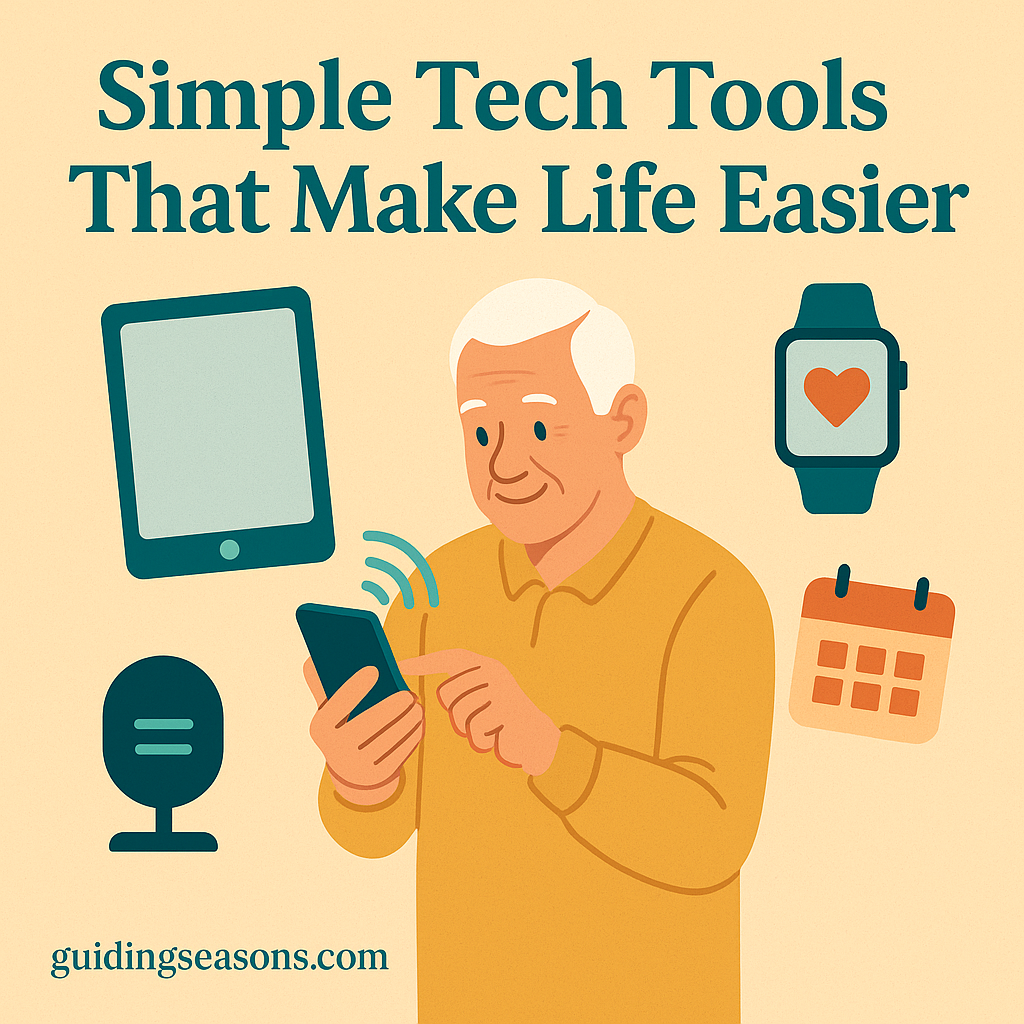
Simple Tech Tools That Make Life Easier

Illustration of a senior man using a smartphone surrounded by simple tech tools like a tablet, smartwatch, voice assistant, and calendar icons.
A senior using helpful tech tools that make everyday life easier.

Technology doesn’t have to be complicated to be helpful. Today’s devices and apps are designed with seniors in mind, offering simple ways to stay connected, organized, and confident in daily routines. Whether it’s managing medication, keeping in touch with loved ones, or finding enjoyable new hobbies, modern tech tools can make everyday life smoother and more enjoyable. With just a few beginner-friendly options, seniors can feel more independent than ever.

Continue reading “Simple Tech Tools That Make Life Easier”