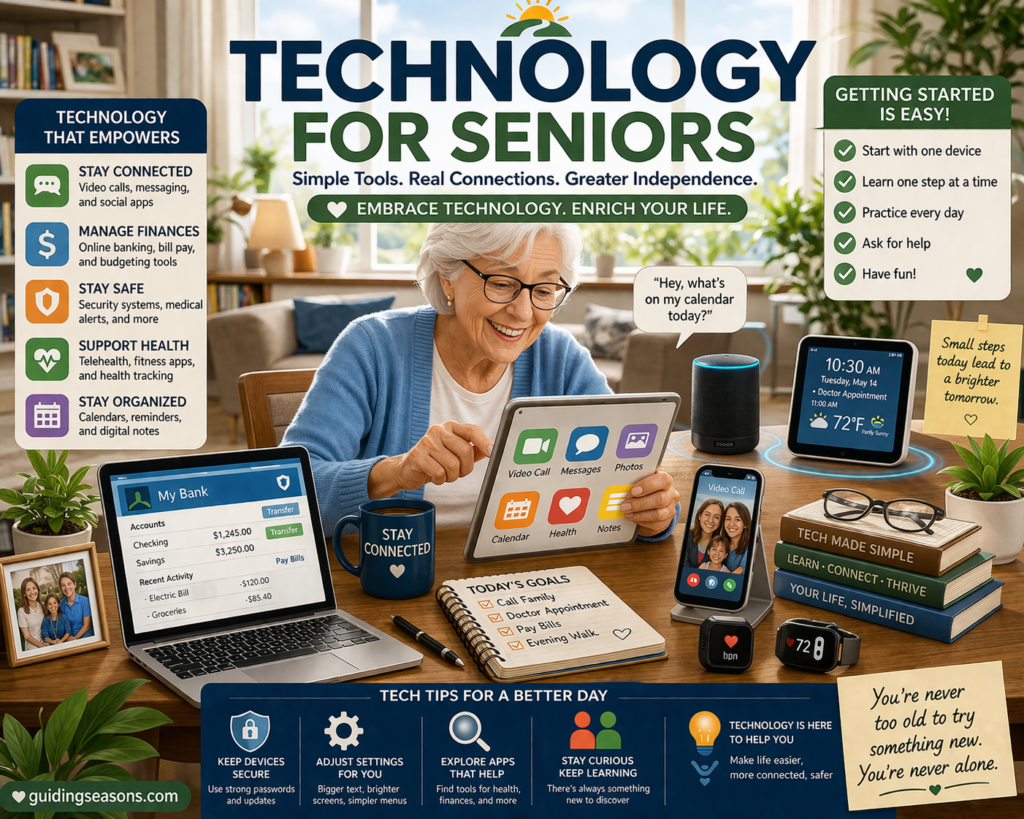
Technology for Seniors: How to Use Everyday Tech to Stay Connected, Safe, and Independent

Flat illustration of a senior woman using a tablet with smart devices, apps, and digital tools representing technology for communication, safety, and daily organization.
Flat illustration showing seniors using technology for communication, safety, and everyday tasks to support independence. guidingseasons.com

Technology has become part of almost every area of daily life.

We use it to communicate with family, manage money, make appointments, get directions, watch entertainment, shop, access healthcare, and keep our homes secure.

For older adults, learning to use a few essential technologies can make everyday tasks easier while supporting independence.

But technology can also feel overwhelming. New devices appear constantly, apps change their layouts, passwords are difficult to keep track of, and online scams have become increasingly convincing.

The good news is that you do not need to become a technology expert.

The goal is much simpler: learn the tools that make your life easier, safer, and more connected.

This guide covers the most useful areas of everyday technology for seniors, along with practical ways to build confidence without feeling overwhelmed.

Continue reading “Technology for Seniors: How to Use Everyday Tech to Stay Connected, Safe, and Independent”
How to Choose Tech That Fits Your Needs

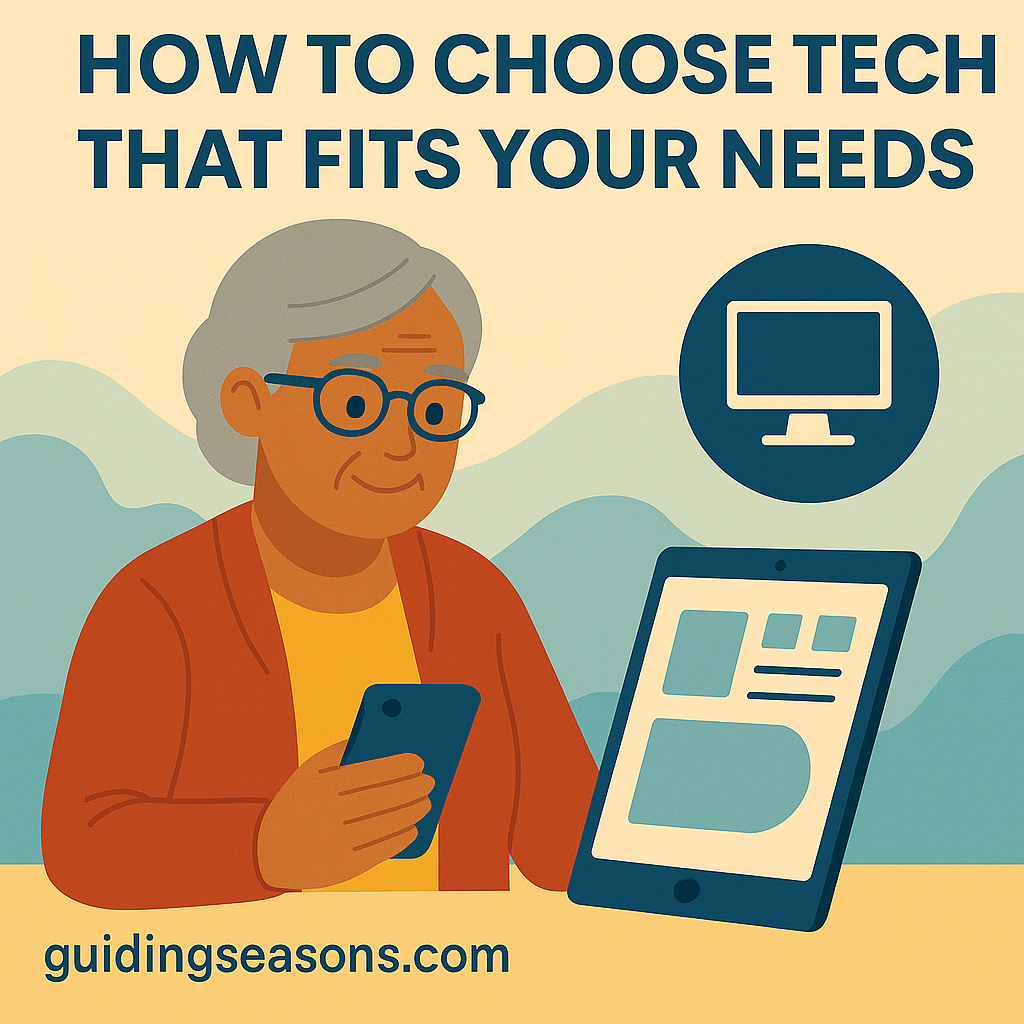
Flat illustration of a senior woman comparing a smartphone and a tablet, with a computer icon in the background and a small guidingseasons.com watermark in the bottom left.
Senior woman exploring different tech devices to choose what fits her needs.

Technology can make life easier, safer, and more enjoyable—but choosing the right devices can feel overwhelming. With so many phones, tablets, computers, and smart tools available, how do you know which ones truly fit your needs?

The good news is that you don’t need to be a tech expert. With a little guidance, you can select technology that supports your daily routines, helps you stay connected, and brings more convenience to your life without unnecessary stress or confusion.

Here’s a simple guide to choosing tech that works for you—not the other way around.

Continue reading “How to Choose Tech That Fits Your Needs”

How to Set Up a Secure Home Wi-Fi Network

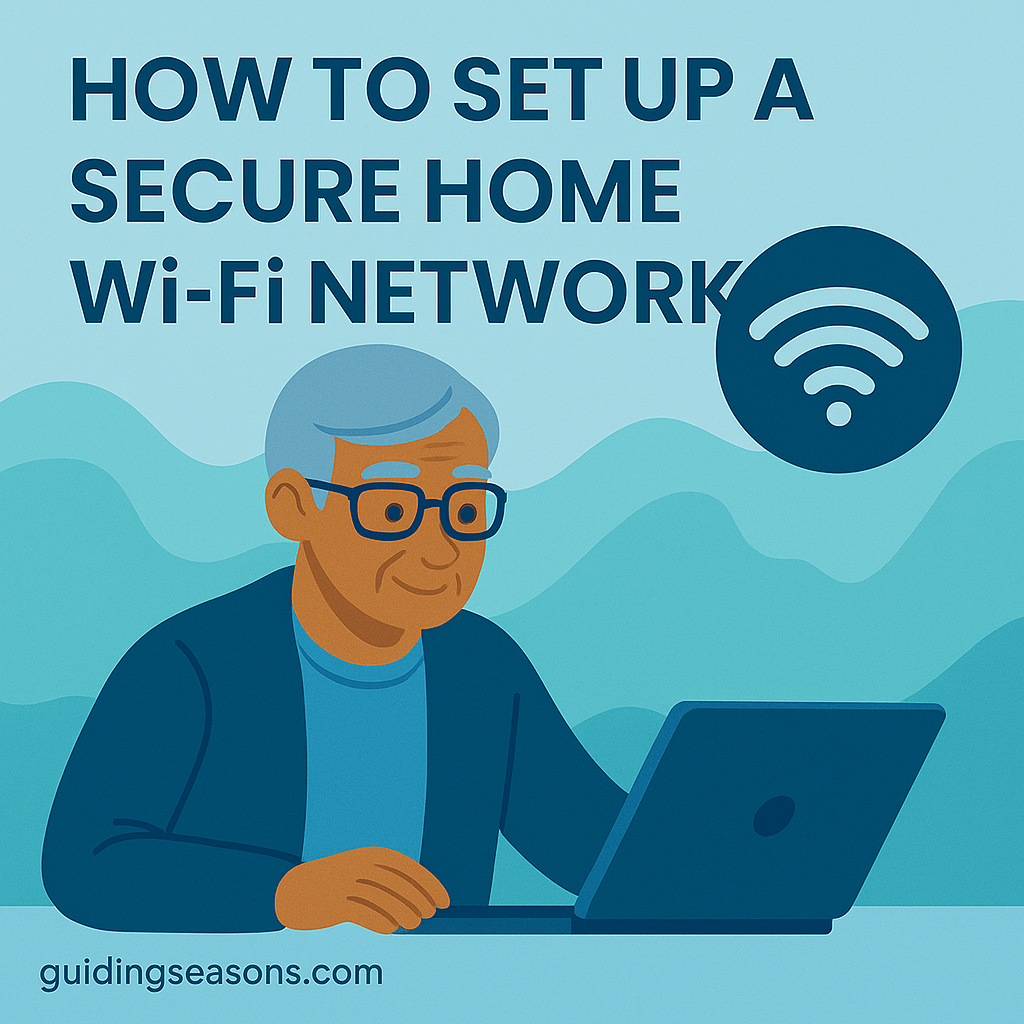
Flat illustration in cool blue tones showing a senior man using a laptop with a Wi-Fi icon above him, and a small guidingseasons.com watermark in the bottom left.
Senior man setting up a secure home Wi-Fi network.

A reliable Wi-Fi network keeps you connected to family, friends, entertainment, and important online services. But your home network also needs to be secure so your personal information stays protected. Fortunately, creating a secure Wi-Fi setup doesn’t have to be complicated—you just need to follow a few basic steps.

This guide walks you through everything you need to set up a home Wi-Fi network that is safe, dependable, and ready for everyday use.

Continue reading “How to Set Up a Secure Home Wi-Fi Network”

How to Use GPS Navigation on Your Phone

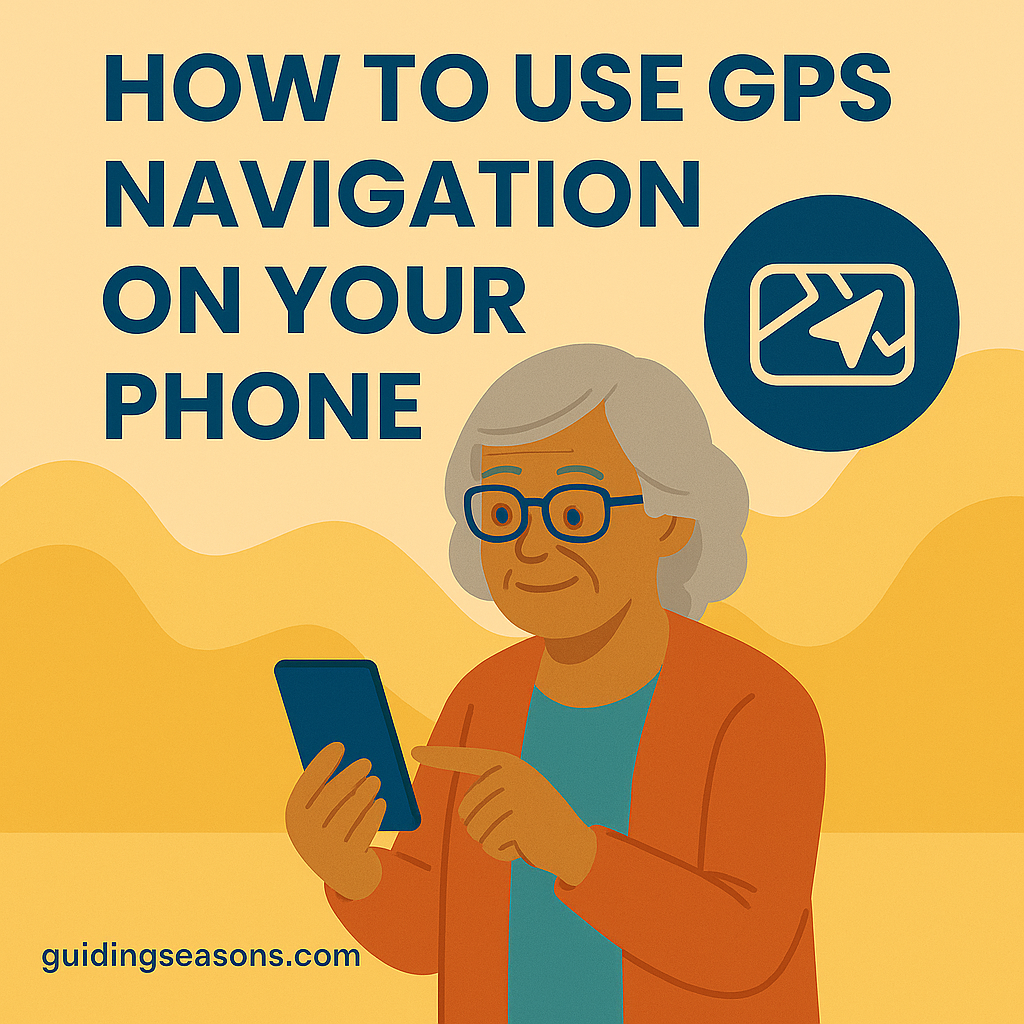
Flat illustration of an older woman using a smartphone for GPS navigation, with a navigation icon above her and a small guidingseasons.com watermark in the bottom left.
Senior woman learning to use GPS navigation comfortably on her smartphone.

GPS navigation has made getting around easier than ever—no printed maps, less guessing, and no need to remember every turn. For seniors, learning how to use GPS on a smartphone can bring confidence, independence, and peace of mind whether you’re driving, walking, or taking public transportation.

The best part? You don’t have to be a tech expert. With just a few taps, your phone can guide you to your destination. This guide walks you through the basics, step by step.

Continue reading “How to Use GPS Navigation on Your Phone”

How to Block Spam Calls and Messages

Illustration of a senior woman sitting comfortably while using her smartphone to block a spam call, with a crossed-out phone icon above her and a small guidingseasons.com watermark in the bottom left.
Senior woman blocking a spam call on her smartphone with a warning icon shown above.

Spam calls and unwanted messages have become increasingly common, and for many seniors, they can be frustrating, disruptive, and sometimes even dangerous. Scammers may target older adults with fake offers, threats, impersonation attempts, or misleading information. Learning how to block these interruptions is one of the best ways to protect your peace of mind and reduce your exposure to scams.

Fortunately, most phones and wireless carriers offer tools that can help reduce unwanted calls and messages. This guide walks you through simple steps to block spam callers and keep your device safer.

Continue reading “How to Block Spam Calls and Messages”

How to Navigate the Internet With Confidence

Illustration of a senior woman using a laptop with a globe internet icon beside her, created for the article “How to Navigate the Internet With Confidence,” with guidingseasons.com shown at the bottom.
Senior woman confidently using a laptop with an internet icon nearby.

The internet is an incredible tool that can help you stay informed, connected, and independent. Whether you’re reading the news, video chatting with family, shopping online, or exploring new hobbies, the digital world opens up countless possibilities. But it’s normal to feel unsure or overwhelmed if you didn’t grow up using this technology.

The good news? You can learn to navigate the internet confidently—with simple steps, smart habits, and a little practice. This guide will help you feel more comfortable and secure every time you go online.

Continue reading “How to Navigate the Internet With Confidence”

How to Use Online Banking Safely

Illustration of a senior woman using a laptop to manage her online banking, with a security shield icon on the screen and the title “How to Use Online Banking Safely” above her.
Senior woman safely managing her online banking on a laptop.

Online banking has made it easier than ever for seniors to manage money from home. You can check balances, pay bills, transfer funds, and deposit checks—without visiting a bank branch. But with this convenience comes new responsibilities, especially when it comes to keeping your financial information safe.

The good news is that online banking can be very secure when used with good security habits. This guide walks you through simple, senior-friendly steps to use online banking safely and confidently.

Continue reading “How to Use Online Banking Safely”

How to Back Up Your Digital Files

Illustration of a senior woman backing up digital files using a laptop, USB drive, and external hard drive, with a cloud upload icon on the screen.
Senior woman backing up her digital files using a laptop and storage devices.

Our digital lives hold precious memories and important documents—photos, emails, passwords, medical records, financial information, and more. Losing them can be stressful, especially if a device breaks, gets lost, or stops working unexpectedly. That’s why backing up your digital files is one of the most valuable tech habits you can develop.

The good news is that backing up your files doesn’t have to be complicated. With a few simple steps, you can protect everything that matters most and enjoy greater peace of mind.

This guide walks you through some of the easiest and safest ways to back up your digital files.

Continue reading “How to Back Up Your Digital Files”

How to Reduce Tech Frustration at Home

Illustration of a senior woman looking frustrated while using a laptop at home, with the title “How to Reduce Tech Frustration at Home.”
Senior woman feeling frustrated while using her laptop at home.

Technology can make life easier, safer, and more enjoyable—but it can also feel confusing or overwhelming if you’re not sure where to begin. From smartphones and tablets to smart TVs and home Wi-Fi, many older adults feel frustrated by constant updates, new features, and devices that don’t always behave the way they should.

The good news? With the right steps, you can reduce tech frustration at home and feel more confident using the tools that help you stay connected, entertained, and informed. This guide breaks down simple ways to make technology feel more manageable and less stressful.

Continue reading “How to Reduce Tech Frustration at Home”

Beginner Guide to Social Media for Seniors

Older woman sitting in a chair using a smartphone with social media icons like a heart, chat bubble, camera, and thumbs-up floating around her.
Older woman learning social media with friendly icons surrounding her.

Social media can be a wonderful way to stay connected with family and friends, discover new interests, learn new skills, and participate in communities without leaving home. If you’re new to social media, however, all the unfamiliar buttons, terminology, notifications, and privacy settings can make it seem more complicated than it really is.

The good news is that you don’t have to learn everything at once.

You can begin with one social media platform, connect with a few people you already know, and gradually explore additional features as you become more comfortable. You also don’t need to post anything yourself if you don’t want to. Plenty of people use social media mainly to see family photos, watch videos, read community updates, or follow their favorite hobbies.

This beginner-friendly guide explains the basics of social media, how the major platforms differ, and some important steps you can take to protect your privacy and avoid scams.

Continue reading “Beginner Guide to Social Media for Seniors”