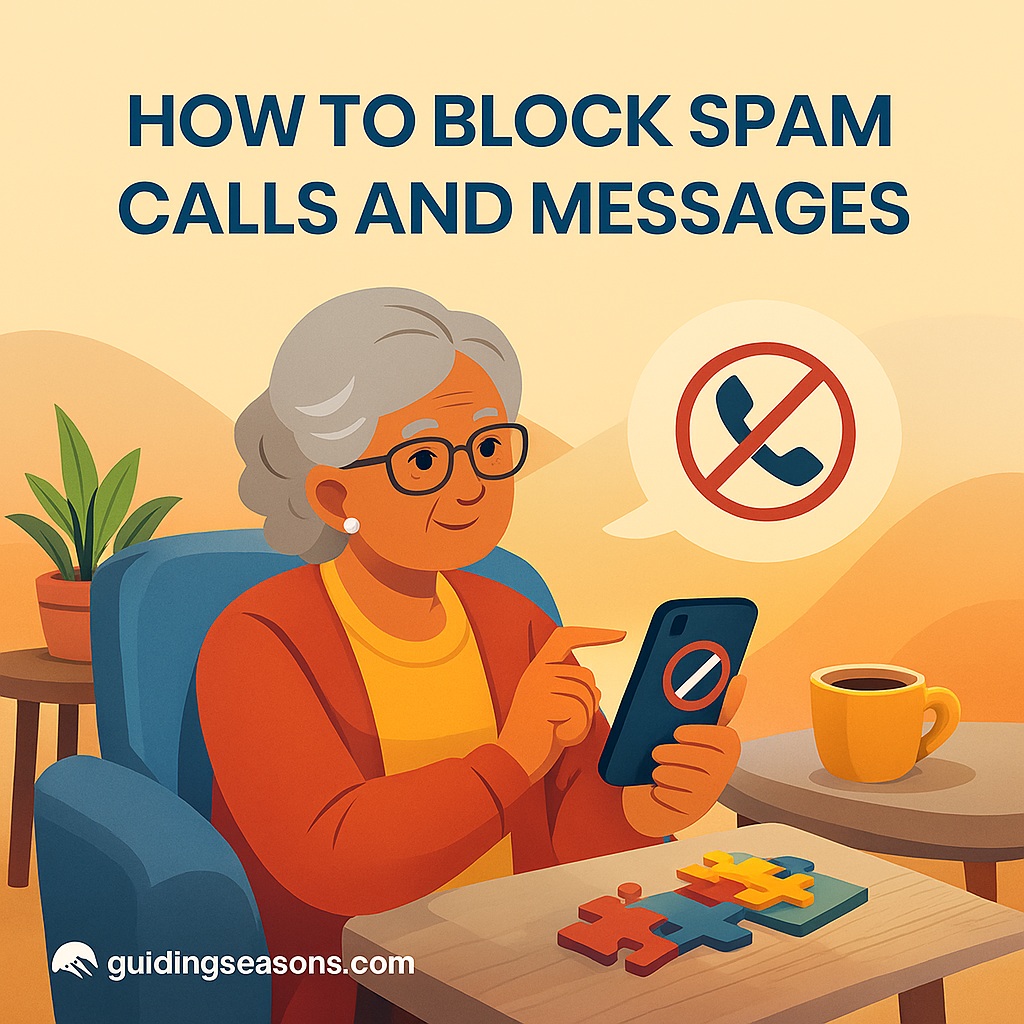
Spam calls and unwanted messages have become increasingly common, and for many seniors, they can be frustrating, disruptive, and sometimes even dangerous. Scammers may target older adults with fake offers, threats, impersonation attempts, or misleading information. Learning how to block these interruptions is one of the best ways to protect your peace of mind and reduce your exposure to scams.
Fortunately, most phones and wireless carriers offer tools that can help reduce unwanted calls and messages. This guide walks you through simple steps to block spam callers and keep your device safer.
Why It’s Important to Block Spam Calls and Messages
Blocking spam isn’t just about convenience—it’s also about safety.
Blocking spam can help you:
- Avoid some scam attempts
- Reduce interruptions
- Protect personal information
- Reduce the chance of accidental fraud
- Make suspicious messages easier to recognize
- Keep potentially harmful links out of sight
No spam filter can catch every unwanted call or message, but a few simple settings can significantly reduce how many reach you.
Use Your Phone’s Built-In Blocking Tools
Both iPhones and Android phones have built-in features for blocking unwanted numbers.
On an iPhone:
Depending on your version of iOS:
- Open the Phone app
- Tap Recents
- Find the number you want to block
- Tap the information or contact button
- Select Block Caller or the available blocking option
On an Android phone:
Steps vary by phone manufacturer and Android version, but generally:
- Open the Phone app
- Tap Recents
- Select the unwanted number
- Look for Block or Report Spam
- Follow the instructions on the screen
Blocking a number can prevent future calls or messages from that particular number, although scammers sometimes use different or spoofed numbers to contact you again.
Turn On Call Screening or Unknown-Caller Features
If you receive many unwanted calls, your smartphone may have additional filtering options.
On an iPhone:
Look in your Phone settings for options related to unknown callers, call screening, or spam.
Depending on your iPhone and software version, these features may silence or screen calls from numbers the phone doesn’t recognize.
Before enabling a setting that silences unknown callers, remember that legitimate calls can also come from unfamiliar numbers—for example, a doctor’s office, pharmacy, repair service, or delivery driver.
Check your voicemail regularly so you don’t miss something important.
Turn On Spam Protection on Android
Many Android phones include caller identification and spam-protection features.
Depending on your device, you may find these options by:
- Opening the Phone app
- Opening Settings
- Looking for Caller ID, Spam, Call Screen, or similar options
- Turning on the spam-protection features you want
The exact menus vary among Google Pixel, Samsung Galaxy, and other Android devices.
Some phones can warn you when an incoming call is suspected of being spam, while others may provide additional screening or filtering options.
Use Your Carrier’s Spam-Blocking Tools
Major wireless carriers offer their own spam and scam protection services.
Examples include services from:
- AT&T
- Verizon
- T-Mobile
- Other wireless and home-phone providers
The names, features, and prices of these services can change, so check your carrier’s official website or app for its current spam-protection options.
Some features may be included with your service, while more advanced features may require an additional fee.
Consider Trusted Third-Party Blocking Apps
If your phone’s built-in protection isn’t enough, third-party caller-identification or spam-blocking apps are another option.
These apps may:
- Identify suspected spam callers
- Warn you about known scam numbers
- Screen certain calls
- Automatically block some unwanted calls
Before installing one, check the developer, reviews, subscription price, privacy policy, and permissions it requests.
Remember that a caller-identification app may need access to information about your calls or contacts to provide certain features. Make sure you’re comfortable with the information the app collects before using it.
Block Spam Text Messages
Many scams now arrive by text message, including fake package deliveries, bank alerts, toll notices, prize notifications, and account warnings.
If you receive a suspicious text:
- Don’t click unexpected links
- Don’t download attachments
- Don’t provide personal or financial information
- Use your phone’s Block or Report Junk/Spam option when available
- Delete the message after reporting it
Be especially careful with messages designed to create urgency.
For example, a text might claim:
“Your bank account will be locked in 30 minutes. Click here immediately.”
Instead of clicking the link, open your bank’s official app yourself or call the number printed on the back of your bank card.
Also, don’t assume a message is legitimate simply because it appears in the same conversation as previous legitimate messages. Phone numbers and sender information can sometimes be spoofed.
Be Careful When Replying to Unwanted Texts
If a text comes from a company or service you knowingly signed up for, following legitimate instructions such as replying STOP may unsubscribe you.
However, if the message is unexpected and suspicious, it’s generally safer not to engage with the sender. Use your phone’s spam-reporting or blocking feature instead.
This distinction is important because not every unwanted marketing text is a scam, and not every suspicious message should receive a response.
Adjust Your Voicemail and Call-Screening Settings
Some unwanted callers may still be able to leave voicemail.
Depending on your phone and carrier, you may have access to:
- Visual voicemail
- Spam-call identification
- Call screening
- Voicemail transcription
- Carrier spam filtering
Visual voicemail or transcription can sometimes help you review the contents of a message without immediately returning an unfamiliar call.
If a voicemail asks you to call back urgently, independently verify the organization and phone number first.
Add Your Number to the National Do Not Call Registry
The National Do Not Call Registry can help reduce legitimate telemarketing calls, although it will not stop criminals who ignore the law.
Registration is free.
You can register and learn more through the official National Do Not Call Registry at DoNotCall.gov.
Be cautious of anyone who asks you to pay to join the registry.
Recognize Common Spam and Scam Tactics
Blocking tools help, but knowing the warning signs provides another layer of protection.
Warning signs include:
- High-pressure threats
- Requests for gift cards or unusual forms of payment
- Claims that you owe money immediately
- Unexpected messages pretending to be your bank
- Suspicious links
- Calls impersonating Medicare, Social Security, or government agencies
- Requests for passwords or one-time verification codes
- Claims that you’ve won a prize you don’t remember entering
Scammers often try to create fear or excitement so you’ll act before thinking.
The AARP Fraud Watch Network provides information about current scams and warning signs, including fraud schemes that commonly affect older adults.
Protect Your Personal Information
Be cautious about providing sensitive information during an unexpected phone call or text conversation.
Protect information such as:
- Social Security numbers
- Bank and credit card information
- Medicare numbers
- Passwords
- PINs
- One-time verification codes
A caller may sound professional and may even know your name or other information about you. That doesn’t prove the call is legitimate.
For example, suppose someone claiming to be from a government agency tells you that you must buy $500 in gift cards within the next hour to avoid losing your benefits. Don’t make the payment. End the call and independently contact the agency through its official website or phone number.
The Social Security Administration’s scam information explains how to recognize Social Security-related impersonation scams and what to do if you receive a suspicious call, text, email, or message.
Ask a Trusted Friend or Family Member for Help
If you’re unsure about a call or message, ask someone you trust before taking action.
They can help you:
- Identify possible scams
- Block unwanted numbers
- Review spam-filtering settings
- Check whether a message came from a legitimate organization
- Help you find an organization’s official contact information
A second opinion can be particularly helpful when someone is pressuring you to act immediately.
You can also contact the organization yourself using a phone number or website you already know is legitimate.
Final Thoughts
Spam calls and messages can be frustrating, but the right tools and habits can reduce how often they interrupt you. Use your phone’s built-in blocking and spam-filtering features, explore your carrier’s protections, and be cautious with unexpected messages asking for money or personal information.
Most importantly, don’t let an unexpected caller or message rush you into making a decision.
If someone demands immediate payment—especially through gift cards, cryptocurrency, wire transfers, or another unusual method—stop and verify the request independently.
Blocking technology is helpful, but your strongest protection is knowing when to ignore, verify, and ask for help.