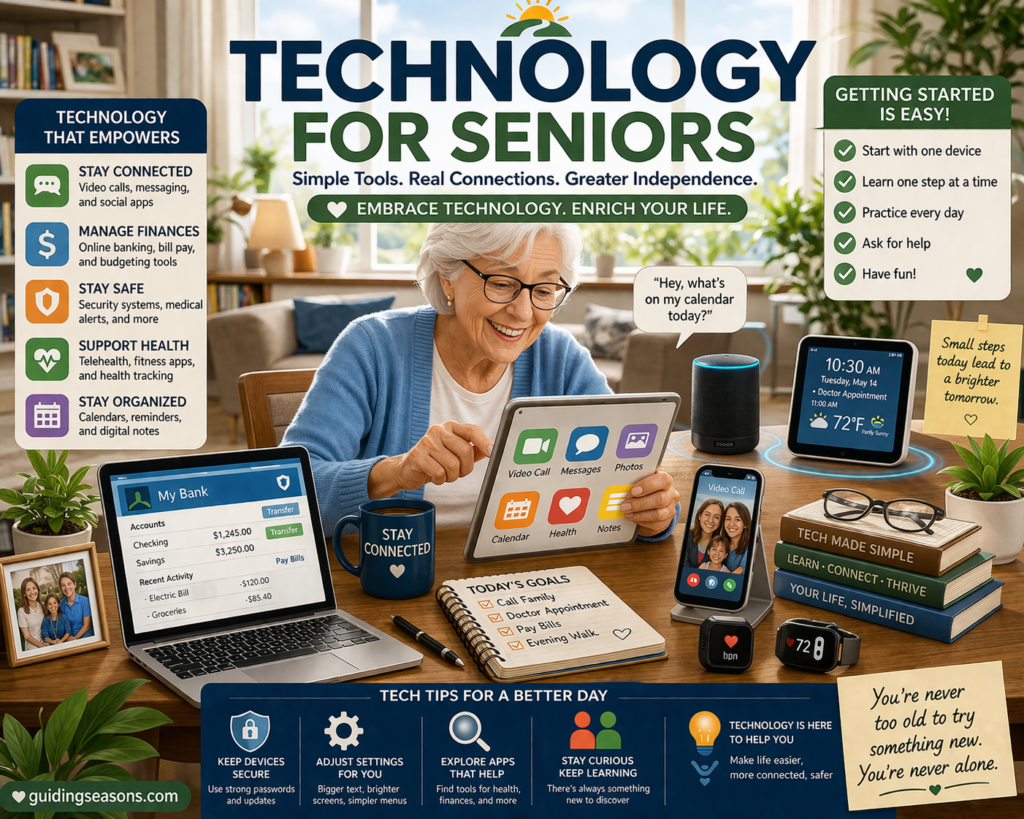

Health tracking apps make it easier than ever to stay aware of your daily habits, medications, appointments, and overall well-being. Whether you want to monitor your steps, keep track of medications, record your blood pressure, or learn more about your sleep habits, these tools can provide useful information right from your smartphone.
Even if you’re not tech-savvy, many health apps are designed to be easy to understand and use at your own pace.
Here’s a beginner-friendly guide to getting started.
Understand What Health Apps Can Do
Health apps come in many varieties, depending on what you’d like to track.
Common features
- Step counting
- Heart rate tracking
- Medication reminders
- Sleep tracking
- Water intake reminders
- Weight or blood pressure logging
- Appointment reminders
- Diet and activity tracking
You can use one app or several, depending on your needs. Keep in mind that features vary between phones, apps, and connected devices.
Health apps can be useful for spotting patterns and staying organized, but they shouldn’t be used as a substitute for professional medical advice, diagnosis, or treatment.
Choose the Right App for Your Goals
Start by thinking about what you actually want help with.
For example, you might want to
- Stay active: Use your phone’s built-in health or fitness features to track movement and activity
- Remember medications: Look for an app that provides scheduled medication reminders
- Record health measurements: Consider an app that lets you log information such as blood pressure or blood glucose
- Understand sleep habits: Look for an app or compatible wearable that records sleep information
- Manage general wellness: Consider an app that combines several types of activity and wellness information
Before downloading an unfamiliar health app, check who developed it, what information it collects, and how that information may be used or shared.
If you’re using an app to help manage a medical condition, medication, or treatment plan, ask your healthcare provider whether the app is appropriate for your needs.
Download and Install the App
Once you select an app:
Steps to install
- Open the App Store on an iPhone or Google Play Store on an Android phone.
- Search for the app by name.
- Check the developer and app information to make sure you’ve found the correct one.
- Tap Install or Get.
- Open the app once it has downloaded.
Many apps walk you through setup the first time you open them.
Avoid downloading health apps from links in unexpected emails, text messages, or pop-up advertisements.
Allow Necessary Permissions
Health tracking apps may request access to certain features on your phone.
You may see requests for
- Camera access
- Motion and fitness data
- Notifications
- Bluetooth
- Location
- Health information stored on your device
Don’t automatically approve every request. Read what the app is asking to access and consider whether that permission makes sense for the feature you’re using.
For example, a walking app may reasonably request access to motion or fitness information. But if a simple medication-reminder app unexpectedly asks for access to your contacts or precise location, consider whether that permission is actually necessary.
You can usually change permissions later through your phone’s privacy or app settings.
Create an Account if Needed
Some apps ask you to create an account so information can be saved or synchronized between devices.
You may be asked for
- Email address
- Phone number
- A password
- Basic information such as age, height, or weight
Only provide information that you’re comfortable sharing and that is necessary for the app’s features.
Use a strong, unique password and enable two-factor authentication if the service offers it.
Learn the Main Dashboard
Almost every health app has a home screen or dashboard where you can see a summary of your information.
You may find
- Today’s step count
- Sleep information
- Heart rate data
- Medication reminders
- Activity goals
- Health measurements you’ve entered
Spend a few minutes exploring. You don’t have to understand every chart, number, or feature immediately.
Start by finding the 2 or 3 pieces of information that matter most to you. For example, you might initially use an app only to check your daily activity and medication reminders.
Once those features feel familiar, you can explore more.
Set Up Simple Daily Goals
Start with realistic goals that fit your lifestyle, abilities, and healthcare needs.
Examples might include
- Taking a short daily walk
- Spending a few minutes stretching
- Following your prescribed medication schedule
- Recording a health measurement recommended by your healthcare provider
- Maintaining a regular bedtime routine
Avoid choosing a health target simply because an app recommends it. The appropriate amount of exercise, water, sleep, or other activity can vary considerably from person to person.
If you’re unsure what goal is appropriate—particularly if you have a medical condition or physical limitation—ask your healthcare provider.
The National Council on Aging’s healthy aging resources provide additional information for older adults about maintaining health, managing chronic conditions, staying active, and other aspects of healthy aging.
Turn On Reminders and Alerts
Reminders can help you stay organized without having to remember everything yourself.
Helpful reminders may include
- Medication alerts
- Walking or movement prompts
- Bedtime reminders
- Appointment notifications
- Other health-related routines
Choose only the reminders that are genuinely useful. Too many notifications can become distracting and may make important reminders easier to overlook.
Medication reminders can be useful organizational tools, but always follow the medication instructions provided by your doctor, pharmacist, or other qualified healthcare professional.
Sync With Wearable Devices (Optional)
If you use a smartwatch or fitness band, you may be able to connect it to a compatible health app.
Depending on the device, it may track
- Steps
- Heart rate
- Sleep
- Exercise or activity
- Other supported health measurements
This can make some types of tracking automatic.
However, consumer wearables have limitations. Don’t assume a smartwatch or fitness tracker can diagnose a medical problem simply because it displays heart rate, sleep, or other health information.
If a reading concerns you or you experience symptoms, seek appropriate medical advice rather than relying only on the app.
Log Your Health Information Easily
Some apps allow you to enter health information manually.
Depending on the app, you may be able to log
- Blood pressure
- Blood glucose
- Weight
- Mood
- Meals
- Symptoms
Keeping records can make it easier to notice patterns over time and may provide useful information to discuss with a healthcare professional.
For example, if your doctor asks you to record your blood pressure at home for 7 days, an app may make it easier to keep those readings organized in one place rather than relying on memory.
Follow your healthcare provider’s instructions about what to measure, how often to measure it, and what readings require medical attention.
Share Data With Family or Healthcare Providers (Optional)
Some health apps allow you to share certain information.
Depending on the app, you may be able to
- Share a report with your doctor
- Share selected information with a caregiver
- Allow a trusted family member to help with certain features
Before sharing, check exactly what information the other person will be able to see and whether you can stop sharing later.
You don’t have to share your health information simply because an app offers the option.
Medicare’s privacy information explains how Medicare handles personal information on its own website and services and can also be a useful reminder to pay attention to privacy whenever you’re dealing with health information online.
Check Your Progress Regularly
Occasional reviews can help you understand patterns in the information you’re tracking.
You might look at
- Activity trends
- Sleep patterns
- Medication-reminder history
- Changes in measurements you’re recording
- General wellness habits
Don’t worry about achieving perfect numbers every day. Health information is often more useful when viewed as part of a larger pattern.
Also remember that an app may occasionally record information incorrectly. Consider the data as one source of information rather than assuming every measurement is exact.
Keep Your Information Safe
Health information can be sensitive, so take time to understand how an app handles your data.
Safety tips
- Use strong, unique passwords
- Enable two-factor authentication when available
- Protect your phone with a passcode, fingerprint, or facial recognition
- Download apps from official app stores
- Keep your phone and apps updated
- Review app permissions periodically
- Avoid sharing passwords or verification codes
- Read the app’s privacy information before entering sensitive health details
Don’t assume that every health or wellness app provides the same privacy protections as your doctor’s office or health insurance provider.
If an app requests information that doesn’t seem necessary for what you want it to do, consider using another app or asking a trusted healthcare or technology professional for help.
Final Thoughts
Health tracking apps can make it easier to stay organized and become more aware of everyday health habits. The key is to start with a simple purpose rather than trying to use every feature at once.
Choose 2 or 3 useful features—perhaps medication reminders, activity tracking, or a health measurement your doctor has asked you to record—and become comfortable with those first.
As you gain confidence, you can explore additional features if they’re useful to you.
Most importantly, remember that a health app is a tool for tracking and organization, not a replacement for professional medical care. Use the information to help you stay organized, recognize patterns, and have more informed conversations with your healthcare provider.