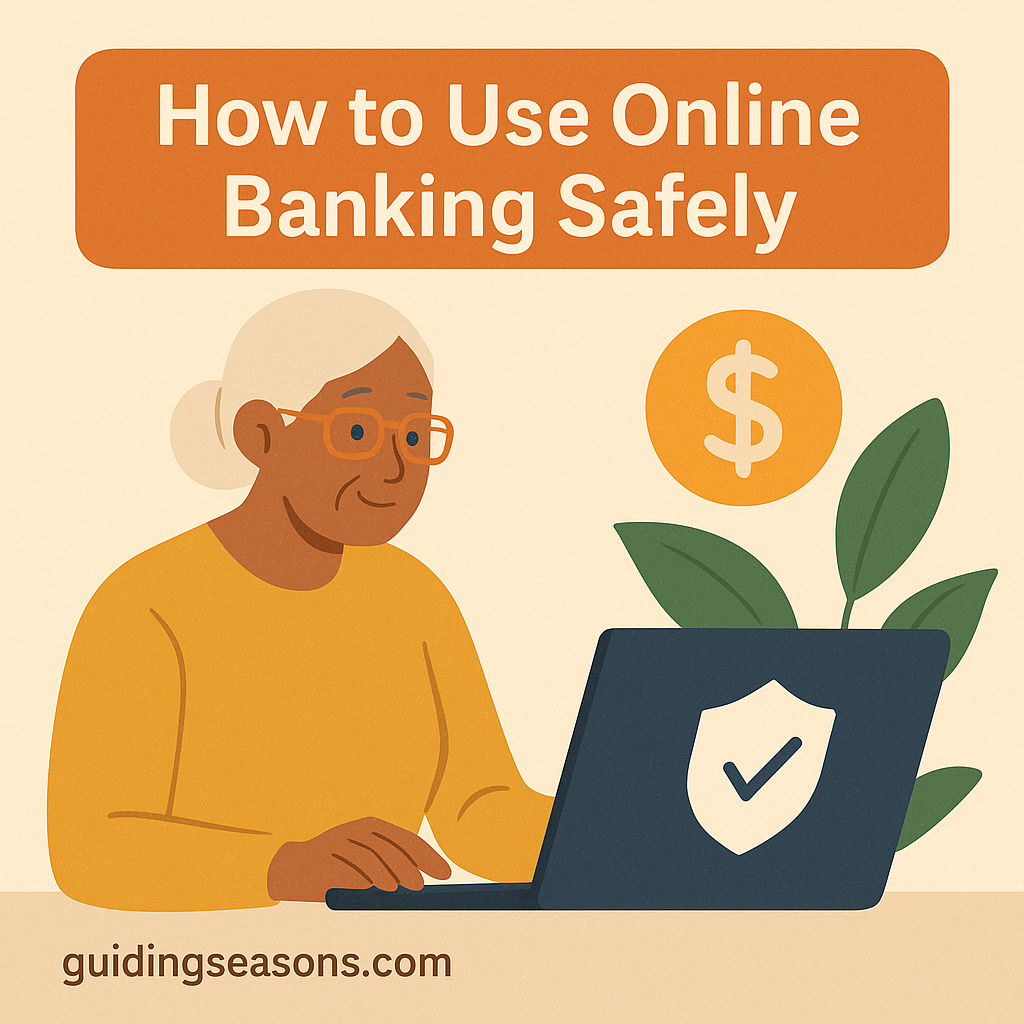
Online banking has made it easier than ever for seniors to manage money from home. You can check balances, pay bills, transfer funds, and deposit checks—without visiting a bank branch. But with this convenience comes new responsibilities, especially when it comes to keeping your financial information safe.
The good news is that online banking can be very secure when used with good security habits. This guide walks you through simple, senior-friendly steps to use online banking safely and confidently.
Why Online Banking Is Helpful for Seniors
Online banking can simplify your financial life—especially if mobility, travel, or time constraints make in-person visits difficult.
Benefits include:
- Quickly checking balances from home
- Paying bills without mailing checks
- Receiving alerts for unusual activity
- Transferring money
- Depositing checks with your phone
- Reducing paper clutter
- Saving time and transportation costs
With the right habits, online banking can be both easy and safe.
Use Official Banking Websites and Apps Only
The safest way to bank online is through your bank’s official website or mobile app.
Tips:
- Type your bank’s web address yourself or use a trusted bookmark instead of clicking unexpected links
- Download apps only from the Apple App Store or Google Play Store
- Check the app name and developer carefully before installing
- Avoid entering banking information on unfamiliar third-party websites
If you’re not sure whether a site, message, or app is legitimate, contact your bank directly using the phone number printed on the back of your debit or credit card or listed on an official bank statement.
Create a Strong, Unique Password
A strong password is one of your first lines of defense.
Good password habits:
- Use a long password or passphrase that is difficult to guess
- Avoid birthdays, names, common words, or repeated numbers
- Never reuse your banking password for other accounts
- Consider using a reputable password manager
- If you keep passwords written down, store them somewhere private and secure
For example, a longer passphrase made from several unrelated words can be easier to remember while being much harder to guess than a short password such as a pet’s name followed by “123.”
Enable Two-Factor Authentication (2FA)
Two-factor authentication adds an extra layer of security to your account.
How it may work:
- You enter your password.
- Your bank sends a one-time code or asks you to verify your identity through its app.
- You complete the second step to log in.
Even if a criminal obtains your password, this additional verification can make it much harder to access your account.
Never give a one-time security code to someone who unexpectedly calls, texts, or emails you. A scammer may ask for the code while pretending to be a bank employee.
Keep Your Devices Secure
Your computer, tablet, or smartphone should also be protected.
Important steps:
- Install operating system and browser updates regularly
- Use a passcode, fingerprint, or facial recognition to lock your device
- Turn on automatic security updates when available
- Use reputable security software when appropriate
- Avoid downloading unknown files or apps
A secure device helps protect your banking information as well as other personal information stored on it.
Be Careful When Banking on Public Wi-Fi
Public Wi-Fi—such as networks in airports, cafés, hotels, or libraries—may not always be the best place to access sensitive financial accounts.
When possible, avoid using public Wi-Fi to:
- Check bank accounts
- Pay bills
- Enter banking passwords
- Access other sensitive personal information
If you need to bank away from home, using your phone’s cellular connection or another trusted network is generally a safer choice.
Log Out After Each Banking Session
Logging out is a simple security habit, especially when using a shared device.
When you’re finished:
- Click or tap “Log Out” or “Sign Out”
- Close the banking app or browser tab
- Avoid allowing browsers on shared devices to save your banking password
Also protect your phone or computer with a screen lock so another person cannot easily access your accounts if the device is lost or stolen.
Set Up Banking Alerts
One of the most useful online banking safety tools is automatic account alerts.
Depending on your bank, you may be able to receive notifications for:
- Large withdrawals
- Deposits
- Debit or credit card purchases
- Declined transactions
- Password or profile changes
- Low balances
- Suspicious account activity
For example, you might set an alert for purchases or withdrawals over $100. If you receive an alert for a $350 purchase you didn’t make, you can contact your bank quickly rather than discovering the transaction days or weeks later.
Learn to Recognize Scams
Scammers frequently impersonate banks, government agencies, businesses, and even family members through email, text messages, social media, and phone calls.
The problem is significant. According to the National Council on Aging’s information on financial scams targeting older adults, Americans age 60 and older reported more than 201,000 fraud complaints and losses exceeding $7.7 billion in 2025, based on FBI Internet Crime Complaint Center data.
Warning signs of a scam:
- Messages unexpectedly asking for passwords or account information
- Emails claiming there is an “urgent account issue”
- Text messages containing links asking you to verify your identity
- Callers pressuring you to act immediately
- Someone asking you to reveal a one-time security code
- Requests for gift cards, cryptocurrency, wire transfers, or unusual payment methods
The National Council on Aging’s scam prevention resources provide additional information about common scams affecting older adults.
A simple safety rule:
Never provide your password, PIN, or one-time security code to someone who unexpectedly contacts you.
If someone claims to represent your bank and you’re unsure whether the request is legitimate, end the conversation. Then contact your bank yourself using a trusted phone number, such as the number on the back of your bank card.
Keep Your Personal Information Private
Limit who has access to your banking and financial information.
Do:
- Keep your debit and credit card numbers private
- Shred sensitive financial documents before throwing them away
- Share account access only when necessary and with someone you trust
- Store passwords securely
Don’t:
- Send banking passwords or PINs by email or text
- Write your PIN directly on your debit card
- Post sensitive financial information on social media
- Give account information to unexpected callers
Keeping personal information private reduces opportunities for fraud and identity theft.
Review Your Accounts Regularly
Make checking your accounts part of your routine.
Look for:
- Purchases you don’t recognize
- Unexpected withdrawals
- Duplicate transactions
- Unauthorized transfers
- Changes to your contact information
You might choose one day each week—for example, every Sunday—to spend five minutes reviewing recent transactions.
If you notice something you don’t recognize, contact your bank promptly rather than waiting to see whether it happens again.
Use Mobile Check Deposit Safely
Mobile check deposit is convenient, but it should still be used carefully.
Tips:
- Use only your bank’s official mobile app
- Follow your bank’s instructions for endorsing the check
- Take clear photos of the front and back
- Confirm that your bank received the deposit
- Keep the physical check in a secure location until you’re sure it has been processed
- Dispose of it securely according to your bank’s recommendations
Never send photos of checks to strangers. Checks can contain your name, bank information, and other details that criminals may try to misuse.
Ask for Help if You’re Unsure
If something feels confusing or suspicious, don’t feel pressured to make an immediate decision.
Options include:
- Calling your bank’s official customer service number
- Visiting a local branch
- Asking a trusted family member or caregiver for help
- Speaking with a bank representative about accessibility or security features
A legitimate bank should give you time to verify what is happening. Urgency and pressure are common warning signs of scams.
Final Thoughts
Online banking can be safe, simple, and convenient for seniors when used with good security habits. Protect your passwords, enable two-factor authentication when available, use official banking websites and apps, turn on account alerts, and be cautious of unexpected calls, emails, and text messages.
Most importantly, remember one simple rule: if someone unexpectedly contacts you about your bank account and asks you to take immediate action, stop and verify the request independently.
A few minutes spent checking can help protect your money, personal information, and peace of mind.