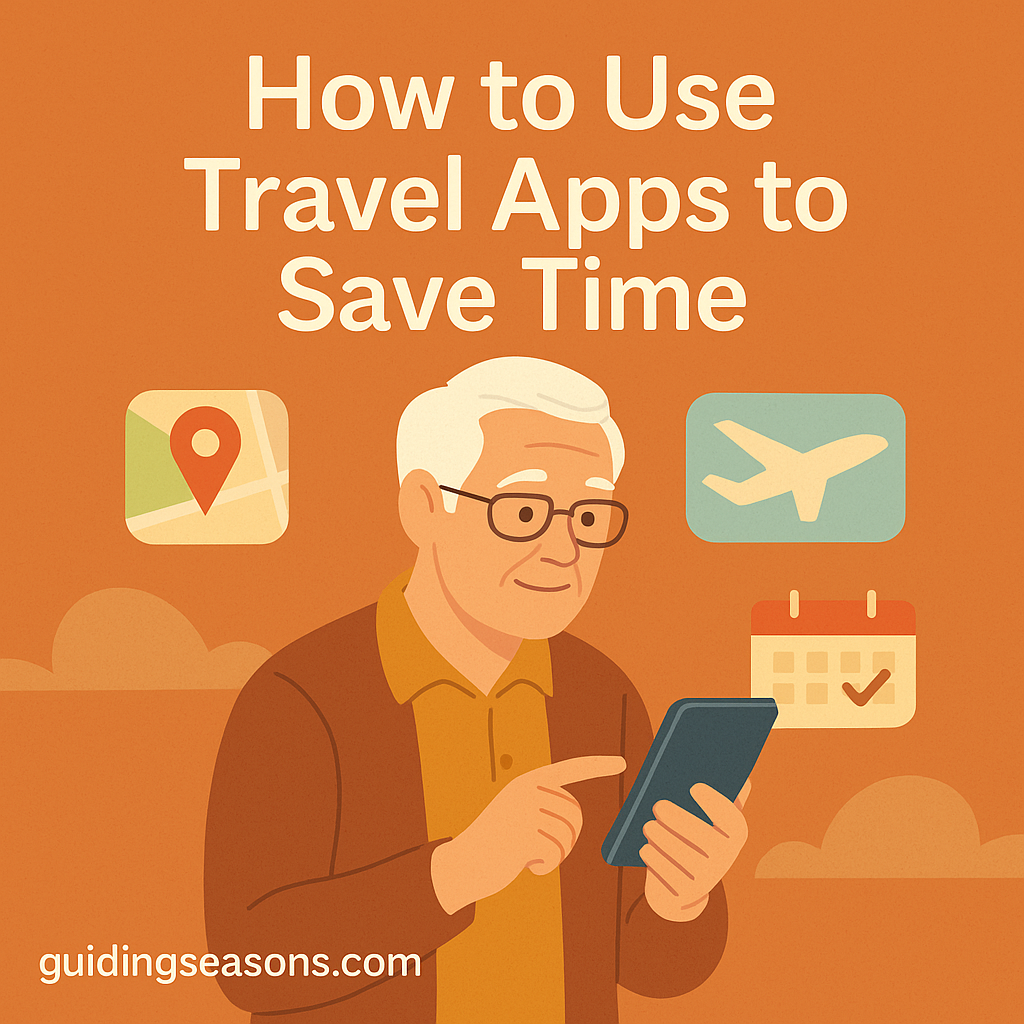
Traveling in retirement gives you the freedom to explore new places, visit loved ones, and enjoy the world at your own pace. But planning a trip can sometimes feel overwhelming—researching flights, organizing reservations, navigating new cities, and keeping everything in order. That’s where travel apps can help.
Travel apps can simplify many parts of your journey, helping you save time, reduce stress, and feel more confident while traveling. Whether you’re new to using apps or already comfortable with your phone or tablet, this guide will show you how to use travel apps safely and easily.
Why Travel Apps Are Great for Seniors
Travel apps offer convenience and organization in one place. Instead of relying entirely on printed papers or searching through emails, your phone can keep much of the information you need close at hand.
Travel apps can help you:
- Compare flights and hotels quickly
- Keep reservations organized
- Get step-by-step directions
- Navigate unfamiliar areas
- Track flight delays and gate changes
- Find restaurants and activities
- Translate foreign signs and menus
- Receive important travel alerts
You don’t need dozens of apps or advanced technical skills. A few carefully chosen apps can make travel smoother and more enjoyable.
For example, before a 7-day trip, you might install just four essentials: your airline app, a map app, a weather app, and an itinerary or hotel app. Learning those four before departure is usually more practical than downloading 15 unfamiliar apps and trying to figure them out while traveling.
Use Airline and Hotel Apps for Faster Check-ins
Most major airlines and hotel chains offer their own apps.
Benefits may include:
- Mobile check-in
- Digital boarding passes
- Notifications about delays or gate changes
- Easy access to booking information
- Rebooking options when available
- Hotel check-in and digital room keys at participating properties
Airline apps from carriers such as Delta, United, Southwest, and American Airlines can put your flight information in one convenient location. Hotel apps from Marriott, Hilton, Hyatt, and other chains may offer similar conveniences.
Before your trip, sign in to the app and make sure your reservation appears correctly. Doing this at home can save time and confusion at the airport or hotel.
Use Map Apps to Navigate Easily
Getting around a new city once required printed maps and handwritten directions. Today, navigation apps can provide turn-by-turn directions almost anywhere.
Popular options include:
- Google Maps – walking, driving, public transportation, businesses, and attractions
- Apple Maps – integrated navigation for Apple devices
- Waze – particularly useful for driving and traffic information
Map apps can also help you locate restaurants, gas stations, pharmacies, attractions, and other useful places nearby.
Time-saving tip:
Download an offline map of your destination before leaving home when the app supports it. This can be particularly useful when cellular service is weak or international data is limited.
Use Travel Planning Apps to Organize Your Trip
Travel planning apps can bring flights, hotels, rental cars, and other reservations together so you spend less time searching through emails.
Depending on your travel style, options include:
- TripIt – organizes travel reservations into an itinerary
- Roadtrippers – useful for road trips and planning sightseeing stops
- Airline and hotel apps – often enough for simpler trips
You don’t necessarily need a separate planning app. If your trip involves one flight and one hotel, keeping everything in your airline and hotel apps may be easier.
For more complicated vacations involving several hotels, flights, rental cars, and activities, a dedicated itinerary app can be much more useful.
Use Ride Apps to Get Around Without Stress
Ride-hailing apps can make transportation easier when you don’t want to rent a car or figure out an unfamiliar public transportation system.
Popular services include:
- Uber
- Lyft
- Bolt in some countries
These apps generally allow you to see an estimated fare, vehicle information, driver details, and estimated arrival time before or after requesting a ride.
Always verify the vehicle and driver information shown in your app before getting into the car.
Use Translation Apps When Traveling Abroad
Traveling to another country is exciting, but language barriers can sometimes slow you down.
Useful translation apps include:
- Google Translate
- Apple Translate
- Microsoft Translator
Depending on the app and language, you may be able to translate typed words, conversations, signs, and menus using your phone’s camera.
Before traveling internationally, download the languages you expect to use if your chosen app provides offline language support. That way, basic translation may still be available without a reliable internet connection.
Use Restaurant and Activity Apps to Plan Quickly
Instead of wandering around looking for somewhere to eat or something to do, travel and reservation apps can help you research options ahead of time.
Popular services include:
- Yelp – restaurants and local businesses
- Tripadvisor – attractions, restaurants, hotels, and tours
- OpenTable – restaurant reservations
- Viator – tours and excursions
Reviews can be helpful, but don’t rely solely on a business’s star rating. Look at recent reviews, location, accessibility, menu options, and operating hours before making plans.
Use Weather Apps to Plan Smart
Weather can affect travel days, outdoor activities, driving conditions, and what you need to pack.
Your phone’s built-in weather app may be all you need, although other options include:
- The Weather Channel
- AccuWeather
- MyRadar
Check the forecast before packing and again each morning during your trip. Weather alerts can also help you adjust outdoor activities or travel plans when severe conditions are expected.
Keep Digital Backups of Important Information
Losing a phone, wallet, or travel document can create serious inconvenience. Keeping appropriate backups of important information provides another layer of preparation.
Cloud storage services include:
- Google Drive
- Dropbox
- Microsoft OneDrive
- Apple iCloud
You might securely store appropriate copies of:
- Travel insurance information
- Hotel and transportation reservations
- Emergency contacts
- Important travel information
Be particularly careful with sensitive documents such as passports and identification. Protect your account with a strong password and multifactor authentication, and avoid leaving sensitive files accessible on an unlocked device.
AARP’s travel safety guidance offers additional information for older travelers on protecting personal information, avoiding travel scams, and preparing for common problems away from home.
Safety Tips for Using Travel Apps
While apps can save time, digital security is important when you’re away from home.
Follow these simple practices:
- Download apps from official app stores
- Keep your phone and apps updated
- Be cautious when using public Wi-Fi
- Use strong, unique passwords
- Turn on two-factor or multifactor authentication when available
- Protect your phone with a PIN, password, fingerprint, or facial recognition
- Bring a charging cable and portable battery when appropriate
- Be cautious about unexpected texts or emails claiming there is a problem with a reservation
Travel-related scams can arrive through text messages, email, phone calls, and fake websites. Instead of clicking an unexpected link claiming your flight or hotel reservation has changed, open the company’s official app directly and check your reservation there.
AARP’s Fraud Watch Network provides information about current scams and practical steps consumers can take to protect themselves.
Don’t Let Your Phone Become Your Only Backup
Apps are convenient, but phones can run out of power, lose cellular service, break, or get misplaced.
Keep a simple backup of the information you would need most in an emergency, such as:
- Hotel name and address
- Important phone numbers
- Flight information
- Emergency contacts
- Basic itinerary details
A small printed sheet kept separately from your phone can be enough. You don’t need to print every reservation—just the information that would be difficult to recover if you temporarily couldn’t access your device.
Set Up Your Apps Before Leaving Home
One of the easiest ways to save time is to prepare your phone several days before departure.
Open each important app and:
- Sign in to your account
- Confirm your reservations
- Turn on useful travel notifications
- Download offline maps or languages if needed
- Save important locations
- Make sure you know where your digital boarding pass will appear
- Check that your phone has enough storage space
- Update apps before leaving
It’s much easier to solve a forgotten password from your living room than while standing in an airport security line.
Ask for Help When You Need It
It’s perfectly normal to feel unsure about an unfamiliar app at first.
You can ask for help from:
- Family members
- Friends
- Hotel staff
- Airline or airport personnel
- Your phone carrier
- Official customer support for the app or service
Practice using important apps before your trip. Try looking up directions to a familiar location, opening a hotel reservation, or finding a sample flight before you actually need the feature.
Final Thoughts
Travel apps can make your adventures smoother, more organized, and less stressful—especially in retirement. From keeping track of reservations to finding restaurants, checking flight changes, translating signs, or navigating a new city, the right apps can save valuable time throughout your journey.
The key is simplicity. You don’t need to fill your phone with every travel app available. Start with a few that solve the problems you’re most likely to encounter, set them up before leaving home, and keep a basic backup of your most important information.
With a little preparation and practice, your phone can become one of the most useful travel tools you carry.