
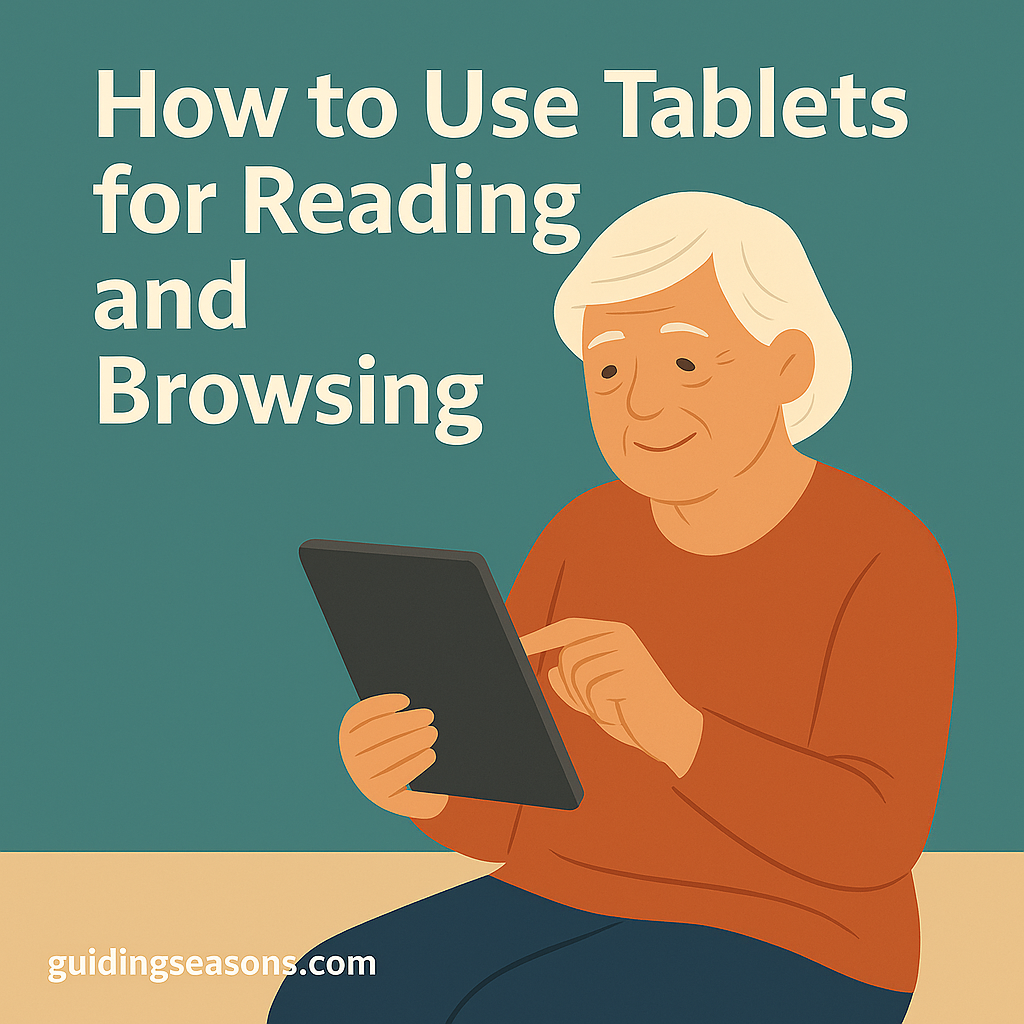
How to Use Tablets for Reading and Browsing

Older adult using a tablet while reading and browsing, shown in a warm flat-style illustration with the article title above.
Illustration of an older adult using a tablet for easy reading and browsing.

Tablets are one of the easiest and most enjoyable devices for seniors to use. With a lightweight design, simple touch controls, and clear displays, tablets make reading, browsing the internet, watching videos, and staying connected incredibly convenient. Whether you’re new to tablets or looking to get more comfortable with yours, a few simple tips can help you use them with confidence.

Here’s a friendly, senior-focused guide to using tablets for reading and browsing.

Continue reading “How to Use Tablets for Reading and Browsing”

How to Use Voice Assistants at Home

Older man sitting in an armchair and speaking to a smart speaker, demonstrating how to use voice assistants at home.
Older man comfortably using a smart speaker to perform tasks with a voice assistant at home.

Voice assistants—like Amazon Alexa, Google Assistant, and Apple Siri—can make everyday life easier, safer, and more convenient for seniors. With simple voice commands, you can play music, set reminders, control lights, make calls, and even get answers to questions without lifting a finger. Best of all, they work hands-free, making them ideal for aging adults who value simplicity and independence.

Here’s a clear, senior-friendly guide to using voice assistants confidently at home.

Continue reading “How to Use Voice Assistants at Home”

How to Stream TV and Movies Easily

Older man sitting in a chair using a tablet to stream videos, with a TV and remote icons in the background.
Older man streaming TV and movies easily using a tablet and simple on-screen apps.

Streaming TV and movies has become one of the simplest and most enjoyable ways to watch entertainment from home. Whether you want classic films, new shows, documentaries, or live TV, streaming gives you instant access without needing cable boxes or complicated setups. With just a few easy steps, seniors can enjoy endless entertainment—any time, on any device.

Here’s a friendly guide to help you start streaming with confidence.

Continue reading “How to Stream TV and Movies Easily”

How to Manage Passwords Safely as a Senior

Group of older adults using devices while learning safe password practices with a large security lock icon behind them.
Older adults learning how to manage passwords safely using secure online practices.

Passwords are a key part of staying safe online—but managing them can feel confusing, overwhelming, or even frustrating. With so many websites, accounts, and digital services, it’s easy to forget passwords or use unsafe shortcuts. The good news? With a few simple habits and tools, you can manage your passwords confidently and stay secure online.

Here’s a clear, senior-friendly guide to keeping your accounts safe without stress.

Continue reading “How to Manage Passwords Safely as a Senior”

How to Use Email Without Feeling Overwhelmed

Older woman using a laptop with email icons floating around her while learning to manage email confidently.
Older woman using her laptop to learn how to manage email without feeling overwhelmed.

Email is one of the simplest ways to stay connected with family, friends, doctors, and services—but it can also feel overwhelming. Inbox clutter, spam, confusing buttons, and unfamiliar features may lead many seniors to avoid email altogether. The good news? Email can be easy, manageable, and even enjoyable once you learn a few helpful habits.

Here’s how to use email confidently without feeling stressed or overloaded.

Continue reading “How to Use Email Without Feeling Overwhelmed”

How to Reduce Monthly Bills Using Smart Tech

Older man using his smartphone to manage smart tech devices while reviewing a monthly bill.
Older man using smart technology to help lower his monthly household bills.

Technology isn’t just for convenience—it can actually save seniors a meaningful amount of money each month. From lowering energy usage to simplifying subscriptions, smart tech tools can make life easier and more affordable. The key is choosing simple, senior-friendly devices that pay for themselves through long-term savings.

Here’s how smart tech can help reduce bills while boosting comfort and independence.

Continue reading “How to Reduce Monthly Bills Using Smart Tech”

How to Learn New Technology Skills Confidently

Older woman sitting at a table learning how to use a tablet, surrounded by simple technology-themed icons in a warm indoor setting, with the title “How to Learn New Technology Skills Confidently” displayed above
An older woman confidently learns new technology skills on a tablet, supported by a calm, encouraging environment.

Technology changes quickly, and it’s normal to feel unsure or overwhelmed when trying something new. But learning technology is absolutely possible at any age — and it can open doors to connection, convenience, creativity, and independence. Whether you want to use a smartphone more effectively, explore apps, or feel confident on your computer, a little patience and the right approach can make the journey enjoyable.

Here are simple, supportive steps to help you learn new technology skills with confidence.

Continue reading “How to Learn New Technology Skills Confidently”

How to Avoid Online Scams Targeting Seniors

Older man looking cautiously at his laptop as a red warning pop-up with a scam alert appears on the screen, with the title “How to Avoid Online Scams Targeting Seniors” above
An older man reacts to a suspicious pop-up on his laptop, illustrating common online scam tactics that target seniors.

Online scams have become more common in recent years, and unfortunately, many of them are designed specifically to target seniors. These scams often look convincing, feel urgent, and can catch anyone off guard. But with a little awareness and a few simple habits, you can stay safe, protect your personal information, and use technology with confidence.

Here is a practical guide to recognizing and avoiding the most common online scams that target older adults.

Continue reading “How to Avoid Online Scams Targeting Seniors”

How to Set Up Smart Home Devices Easily

Older man holding a smartphone while setting up a smart home app, with icons for thermostat and smart lamp in the background, and the title “How to Set Up Smart Home Devices Easily” displayed above
An older man uses a smartphone to set up a smart home app, illustrating how seniors can easily configure smart home devices.

Smart home devices can make everyday living safer, more comfortable, and more convenient — especially for older adults. From voice assistants that answer questions to smart lights you can control without getting up, today’s technology is designed to simplify life. And the best part? You don’t need to be tech-savvy to get started. With a few simple steps, you can set up smart home devices quickly and confidently.

Here’s a beginner-friendly guide to help you get started.

Continue reading “How to Set Up Smart Home Devices Easily”

How to Use Health Tracking Apps on Your Phone

Older man using a smartphone to check a health tracking app, with a heart-rate icon beside him and the title “How to Use Health Tracking Apps on Your Phone” displayed above.
An older man checks a health tracking app on his phone, illustrating simple steps for seniors to use mobile health tools effectively.

Health tracking apps make it easier than ever to stay aware of your daily habits, medications, appointments, and overall well-being. Whether you want to monitor your steps, track your heart rate, remember your pills, or keep an eye on your sleep, these tools can provide simple, helpful insights — right from your smartphone. Even if you’re not tech-savvy, most health apps are designed to be easy to understand and use at your own pace.

Here’s a beginner-friendly guide to getting started.

Continue reading “How to Use Health Tracking Apps on Your Phone”